On this page
A form backend service receives submissions from your HTML forms so you don't have to run a server. There are now dozens of them, and on the surface they look alike: paste an endpoint into your form's action, get an email. The differences show up later — in spam handling, integrations, limits, file uploads and how much you'll pay as you grow.
This guide explains what actually matters when choosing one, then compares the most popular services.
A note on pricing: plans and free-tier limits change often. We describe what each service is known for and recommend checking each provider's pricing page for current numbers.
What to look for in a form backend
- Setup effort. Can you paste an endpoint into plain HTML, or do you need an SDK?
- Free tier. How many submissions per month, and how many forms?
- Spam protection. Honeypots, filtering, rate limits, and support for reCAPTCHA, hCaptcha or Cloudflare Turnstile.
- Email notifications. Custom subject, reply-to the submitter, multiple recipients, autoresponders.
- Storage and dashboard. Can you search, export and manage submissions, or is it email-only?
- Integrations. Google Sheets, Slack/Discord, CRMs, databases, webhooks, Zapier/Make/n8n.
- File uploads. Supported? What size limit?
- Developer experience. JSON responses for AJAX, framework examples, an API.
- Privacy and compliance. GDPR, data retention controls, where data is stored.
- Price as you scale. What happens at 1,000 or 10,000 submissions a month?
The services
1. Formclick
Best for: developers and small teams who want a generous free tier plus real integrations.
- Plain HTML setup:
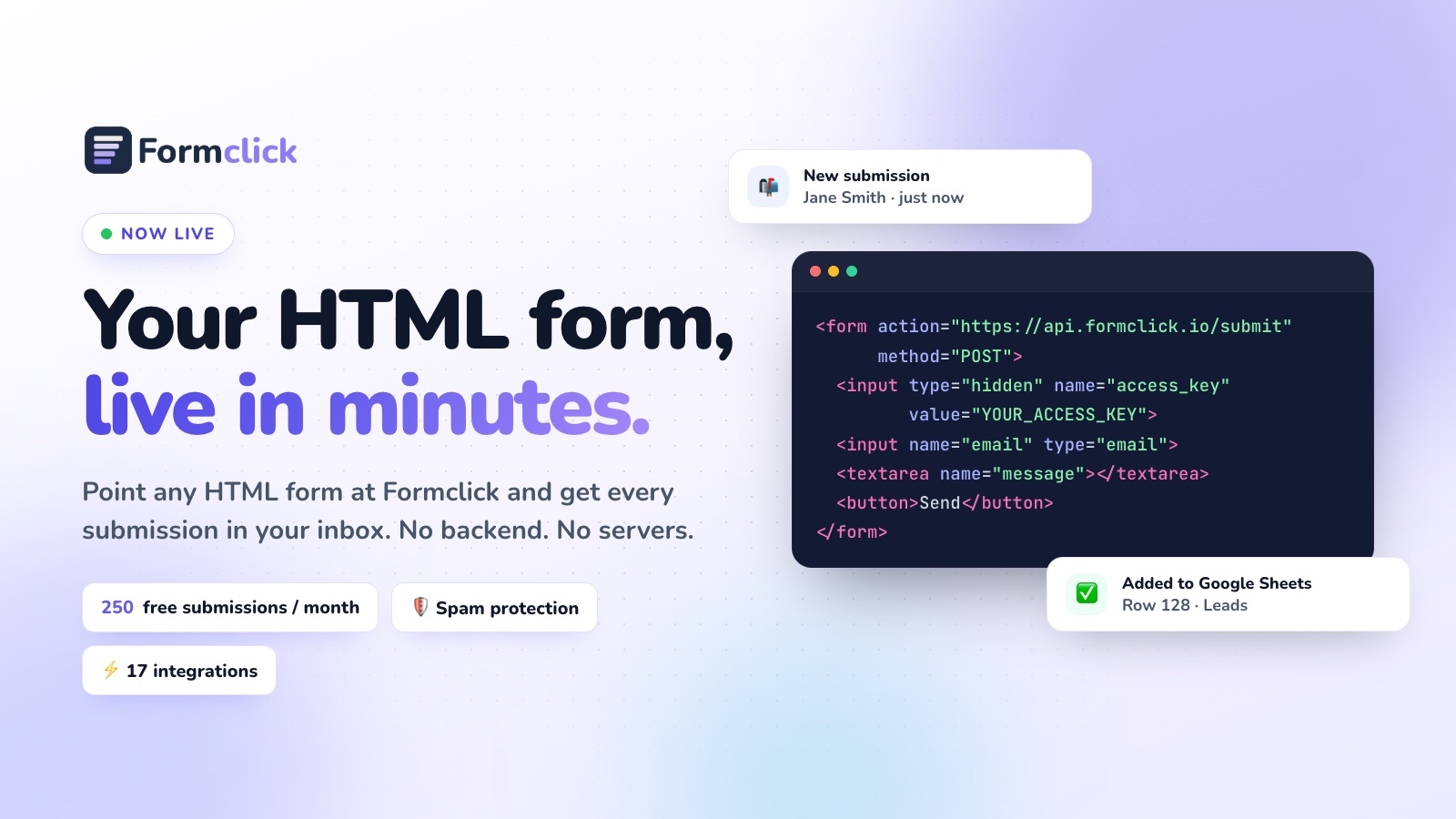
action="https://api.formclick.io/submit"plus a hiddenaccess_key. - Free plan with 250 submissions a month and unlimited forms; paid plans scale up to 20,000 a month.
- Built-in spam filtering, honeypot, rate limiting and duplicate detection on every plan; reCAPTCHA or Cloudflare Turnstile and domain restrictions on paid plans.
- Dashboard with search, CSV download and a separate spam tab.
- Native integrations for Google Sheets, Notion, Airtable, monday.com, Discord, Brevo, MailerLite, ActiveCampaign, databases (PostgreSQL, MySQL, SQL Server, MongoDB, Supabase, Neon), n8n and custom webhooks.
- Autoresponders, file uploads (5 MB per file) and Google Sheets sync on Pro.
- 100+ free, copy-ready HTML form templates.
2. Formspree
Best for: teams who want a long-established service with a polished product.
One of the best-known form backends, with a mature dashboard, a React library and a range of plugins. Its free tier is modest, and many features sit on paid plans, so costs can climb as you add forms and submissions. See our Formspree alternatives guide.
3. Web3Forms
Best for: simple email delivery with minimal setup.
Uses an access key in a hidden field, much like Formclick, and focuses on delivering submissions by email. It's popular for quick contact forms; storage, a full dashboard and deeper integrations are more limited.
4. FormSubmit
Best for: the absolute quickest test of a contact form.
You point the form at a URL containing your email address and confirm it once. It's free and very simple, but there's no proper dashboard, little control over spam and your email address appears in your page source unless you use their alias.
5. Getform
Best for: teams who want submissions management and automation features.
Offers a dashboard, file uploads and integrations. Its free tier is limited, with most capabilities on paid plans.
6. Basin
Best for: agencies and designers managing many client forms.
Focuses on spam filtering and submission management, with integrations and a clean interface.
7. Netlify Forms
Best for: sites that are — and will stay — on Netlify.
Add a data-netlify="true" attribute and Netlify captures submissions at deploy time. Convenient, but it only works for sites hosted on Netlify, and moving host means migrating your forms.
8. Static Forms and other lightweight services
A number of smaller services offer an endpoint plus email delivery. They can work well for a single contact form; check carefully for spam protection, storage and limits before relying on one for business-critical leads.
Quick comparison
| Need | Good fit |
|---|---|
| Generous free tier + integrations | Formclick |
| Long-established, polished product | Formspree |
| Simple email-only delivery | Web3Forms, FormSubmit |
| Many client sites | Basin, Formclick |
| Already all-in on Netlify | Netlify Forms |
| Data straight into your own database | Formclick (native database integrations) |
Form backend or your own backend?
Building your own endpoint (for example with a serverless function) gives total control but means you also own spam filtering, email deliverability, storage, retries and security updates. For most marketing sites, portfolios and small businesses, a form backend is cheaper and more reliable. If you do want to build one, see How to Build a Serverless Form Backend.
Our recommendation
Start with a service that lets you switch easily — one that works with plain HTML so your forms aren't locked in. Test the free tier with a real form, check how it handles spam for a couple of weeks, and look at the price for the volume you expect a year from now.
You can try Formclick free in about two minutes: create a form, copy the access key into your HTML, and send a test submission.